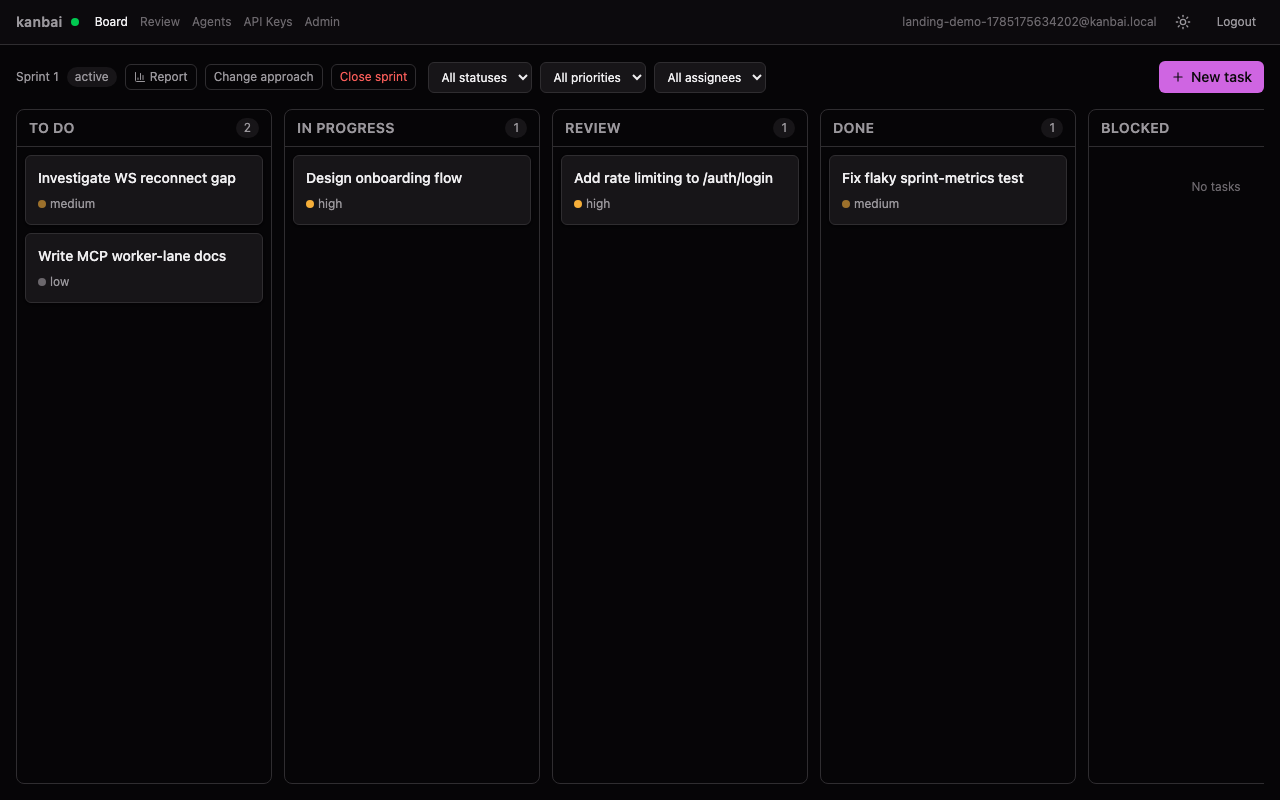
Point your agent at the board
kanbai speaks MCP. There are two ways in, and they are not interchangeable — pick by who is
holding the credential.
Manager lane
- Who
- A human driving Claude Code
- Credential
- OAuth — browser sign-in, no key in the transcript
- Tools
- 55 manager tools
claude mcp add --scope user \
  --transport http kanbai https://api.kanbai.jcsoftdev.com/mcp
Then run /mcp in Claude Code and choose Authenticate.
Worker lane
- Who
- Autonomous agents and CI
- Credential
- Scoped API key from the env
- Tools
- All 64 tools
claude mcp add --scope user --env KANBAN_API_KEY=sk-... \
  --transport stdio kanbai -- npx -y @kanbai/mcp
Mint the key from the API Keys page and give it only the worker scopes.
--scope user registers kanbai once, and it works from every repo you use it in — a
single grant can cover several kanbai projects, and each working directory resolves to the right
one on its own. Without it, claude mcp add defaults to local and the
server only exists in the directory you ran the command from. Use --scope project to
commit it to a repo's .mcp.json and share it with the team.
The claim, unblock and QA rules live on the server, not in the tool definitions — an agent that
misbehaves gets rejected rather than corrupting the board.
Stop moving the cards yourself
The tools above can move any task on the board. The board still drifts, because using them is
something you have to remember while you are deep in the code. The plugin closes that: a branch
resolves to a task, and the task follows the work.
claude plugin marketplace add jcsoftdev/kanbai-plugin \
  && claude plugin install kanbai@kanbai \
  && claude plugin update kanbai@kanbai
Same command to install and to update. Then run /kanbai-init once per repository.
- /kanbai-init
- Links this directory to a project. Run once.
- /kanbai-track
- No task on this branch? Proposes them from the diff.
- /kanbai-note
- Writes down what you found out, not what the diff says.
- /kanbai-standup
- did / doing / blocked, read straight off the board.
Two hooks also run on their own — one resolves the branch at session start, one advances the
task as you edit. Neither ever creates a task, writes a comment, or moves a task backwards, and
with no credential every hook exits silently rather than interrupting you. Source:
github.com/jcsoftdev/kanbai-plugin.